


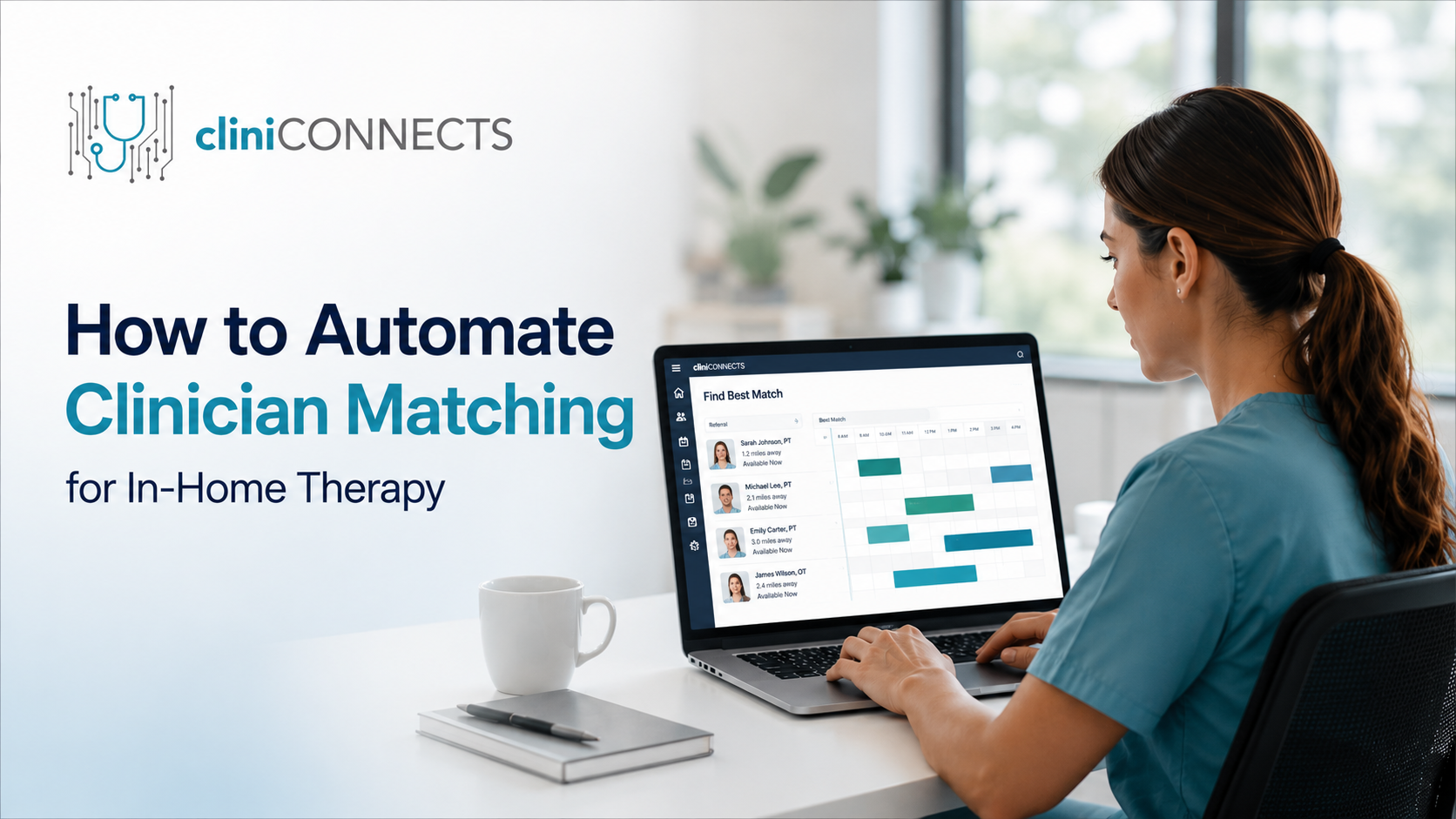
Why Manual Clinician Matching Is a Structural Problem for PT/OT/SLP Companies
• Spreadsheets
• Scheduling software
• Phone calls
• Group chats
• Separate credential tracking systems
- A referral is received.
- The coordinator reviews authorization details.
- They verify whether the patient needs PT, OT, or SLP.
- They identify the patient’s service location.
- They manually search for an available clinician.
- They call or message multiple clinicians until someone accepts.
What It Actually Means to Automate Clinician Matching
• Required discipline (PT, OT, or SLP)
• Clinical specialties
• Geographic service zones
• Current clinician availability
• Existing caseload
• Patient continuity preferences
Step-by-Step: How to Set Up Automated Clinician Matching
Step 1: Audit Your Current Matching Criteria
• Therapy discipline
• Specialty certifications
• Patient acuity
• Geographic territories
• Caseload limits
• Preferred clinician continuity
Step 2: Centralize Clinician Credentialing Data
• Professional licenses
• License expiration dates
• Specialty certifications
• Geographic assignments
• Availability schedules
• Employment status
Step 3: Define Your Matching Priority Rules
- Required discipline (mandatory)
- Specialty credentials
- Geographic proximity
- Schedule availability
- Current caseload
- Patient-clinician continuity
Step 4: Run Both Systems Before Going Live
• Compare recommendations
• Review mismatches
• Fine-tune matching rules
• Validate clinician assignments
Step 5: Build an Exception Handling Process
• Bilingual clinician requests
• High-acuity patients
• Same-day referrals
• Mid-assignment authorization changes
• Complex comorbidities
What to Look for in an In-Home Therapy Platform
| Feature | Why It Matters |
|---|---|
| Discipline-Specific Clinician Matching | Ensures PT, OT, and SLP assignments are accurate. |
| Credential Tracking | Prevents expired licenses from being assigned. |
| Geographic Territory Management | Reduces unnecessary travel time and improves routing efficiency. |
| Live Availability | Prevents double bookings and displays real-time clinician availability. |
| Configurable Matching Rules | Supports your agency’s workflow and assignment priorities. |
| Native EVV Support | Simplifies compliance and visit verification. |
What Changes After Automating Clinician Matching?
• Faster referral-to-assignment times
• Higher referral conversion rates
• Increased coordinator productivity
• Reduced scheduling workload
• Improved credential compliance
• Better patient-clinician matching consistency
Conclusion
• Documenting your matching criteria
• Centralizing clinician credential data
• Defining clear priority rules
• Running parallel testing before launch
• Choosing software designed specifically for in-home therapy
